It just goes online.
No account setup, no deploy, no dashboard. Your AI publishes and you get a link. Come back next week in a new conversation and ask for changes. Almond remembers the site.
A home for websites made with AI
Ask your AI for a website, a sign-up page, a form, a page for a client. Then say “put it in Almond.” It goes online with a link you can share, and it keeps working while you move on to the next thing.
Works with Claude, ChatGPT, Codex, Cursor and other AI apps that can connect to services. One paste, no setup.
What you get
Other tools let your AI build the site, then hand the hard part back to you: keys, settings, hosting, “which environment.” With Almond your AI finishes the job on its own.
No account setup, no deploy, no dashboard. Your AI publishes and you get a link. Come back next week in a new conversation and ask for changes. Almond remembers the site.
I want a formjust works.
Contact forms, sign-ups, downloads, and a place to see the answers. Want an email or a Telegram message when someone writes? Say so. You never need to know what a database is.
Changes go live the moment your AI says so. Want to look first? Ask for a preview link. Broke something? Say undo, and the old version is back before anyone notices.
Before a change goes live, Almond checks it with Jev, TypeSafe’s decision model: does it do what you asked, and does it keep your forms and links working? Then Almond tries the page the way a visitor would. Anything that fails stays off the air, and you hear what happened in plain words.
How it goes
Paste one line into your AI. If it asks to approve adding Almond, say yes.
“Connect to Almond so you can publish my website.”Describe the page the way you would to a person. Text, photos, a form, a download.
“Make a page for my workshop with a booking form.”Your AI hands you the address. Send it, print it, put it on a sign. Later, ask for changes.
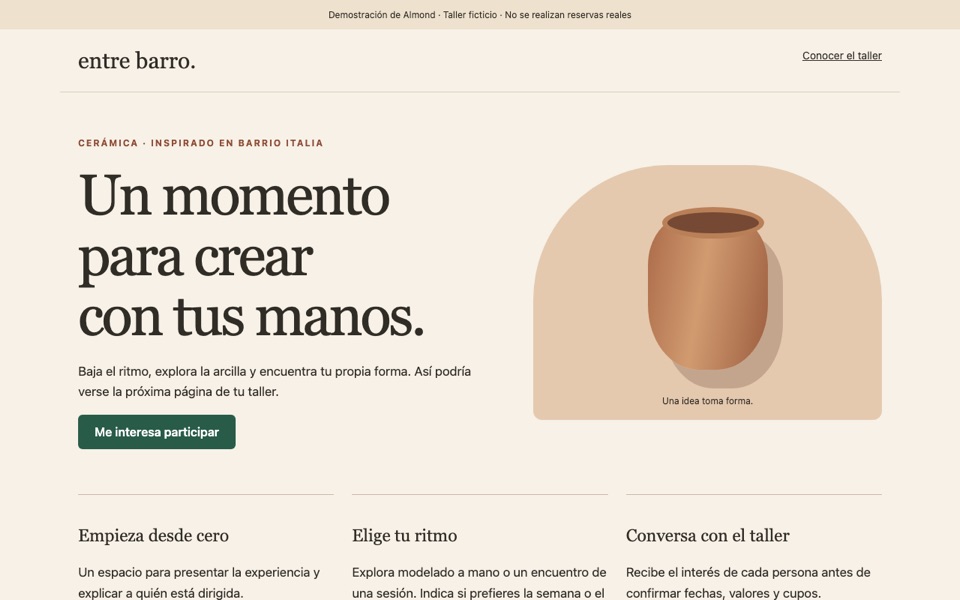
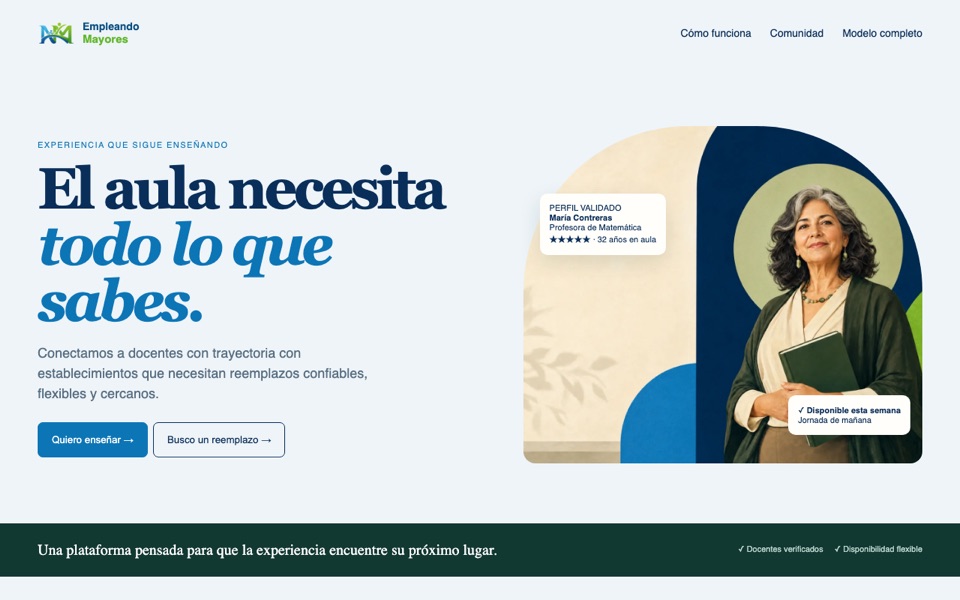
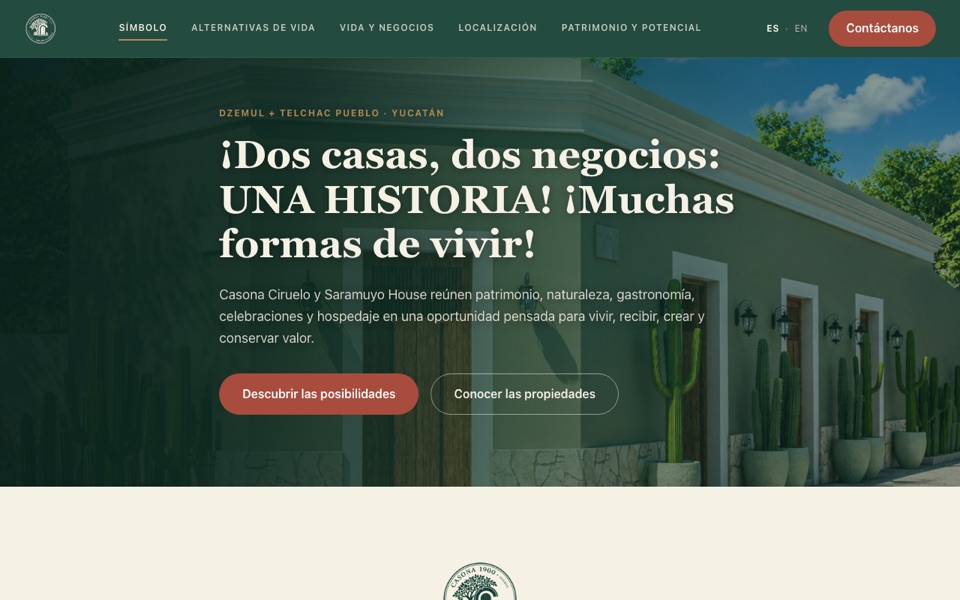
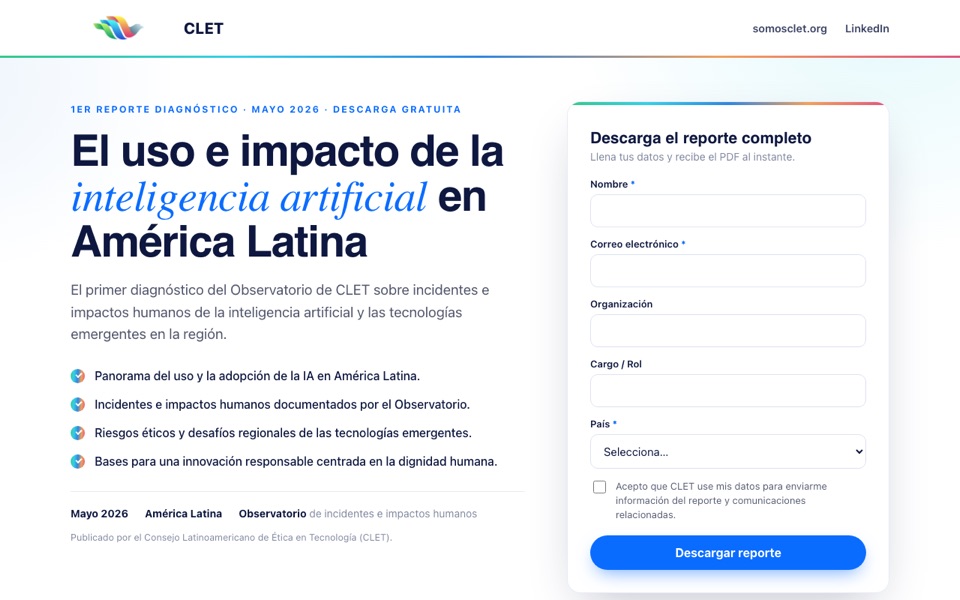
“Add this week’s promotion and swap the photo.”Made with Almond
Who it is for
You can already get a page out of Claude or ChatGPT. What you could not do was put it online, keep it working, and collect what visitors send you. Now you can, by asking.
Freelancers and small studios use Almond to have the site live before the first meeting, then handle every update by talking to their AI. One account, as many sites as you need.
Connect your AI, ask for a page, and you will have a link in minutes.